



Compress toward your PDF size target.
Keep the original untouched.
Underlimit processes PDFs locally on your Apple silicon Mac and works toward the file-size target you choose while protecting readability. If it cannot reach the target safely, it reports TARGET_NOT_REACHED and keeps the safest useful result it found.
US$9.00 one-time purchase · no subscription
Buy now · US$9.00Creem handles checkout and provides your download in the order confirmation or My Orders.
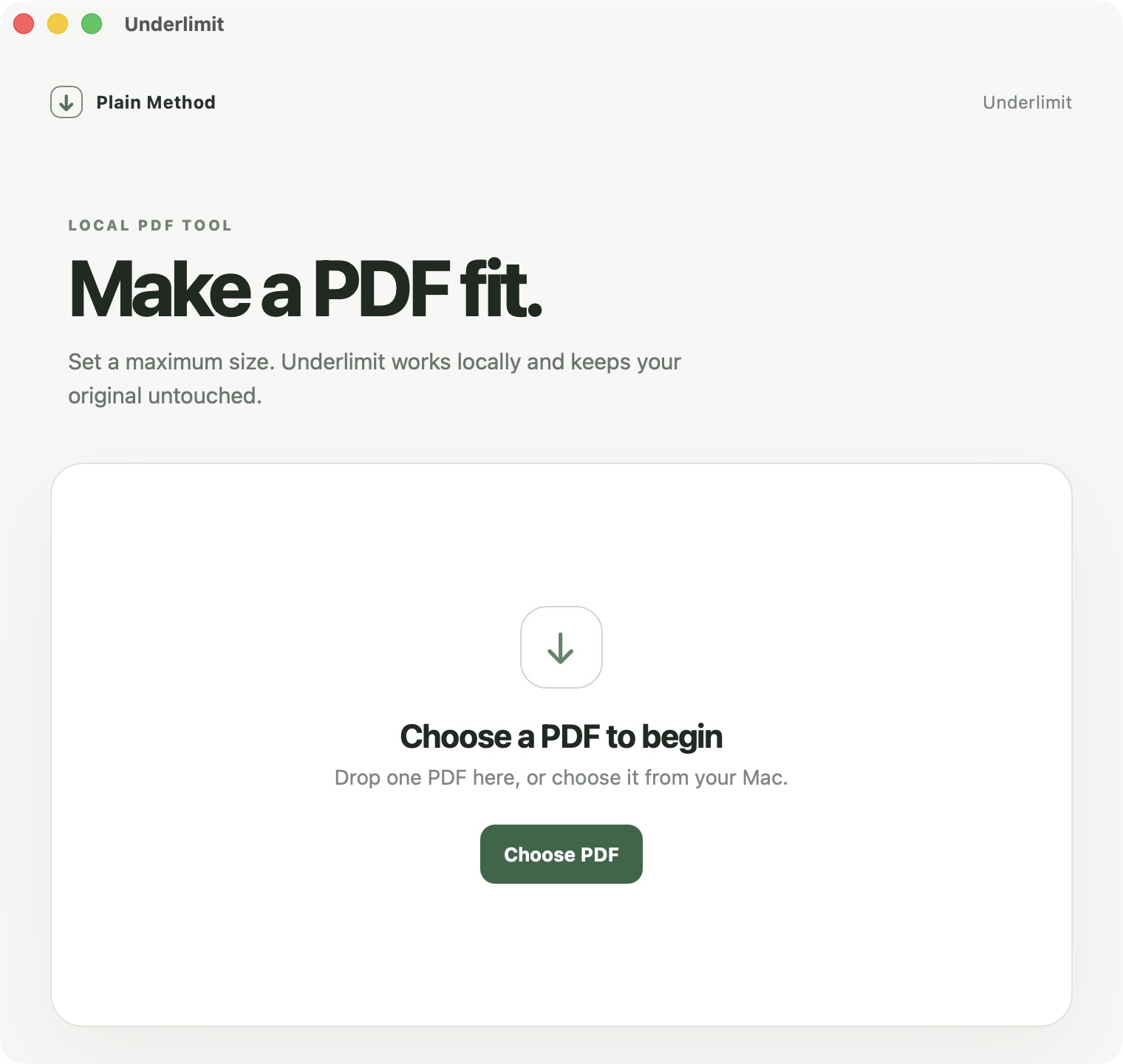
Prepare a file for a limit, without guessing.
Choose a PDF
Select one PDF you are allowed to process. Compression runs locally on your Mac.
Set the maximum size
Use the limit from the site, portal, form or email.
Review and save
Read SUCCESS or TARGET_NOT_REACHED, then save and inspect the output.
The chosen target was reached.
SUCCESS means the output met the selected size target and product checks. Save it, then open it to confirm it is suitable for your use.
Readability comes before the number.
If reaching the target would make the result unsafe, Underlimit reports TARGET_NOT_REACHED and keeps the safest useful output it found. A target miss is not a successful target hit.
For Apple silicon Mac.
- Architecture
- Apple silicon · arm64
- macOS
- 13.0 or later
- App version
- 0.1.0
The static compatibility floor is macOS 13.0; the recorded runtime test was on macOS 26.5 only.
This release is not notarized by Apple.
This release is not signed with an Apple Developer ID and is not notarized by Apple. macOS may ask you to confirm the first launch. Use the standard Finder and System Settings › Privacy & Security flow. If macOS reports malware, a damaged app or a clearly malicious or untrusted warning, stop and contact support. Do not disable Gatekeeper or ignore the warning.
Clear answers, clear limits.
Will it always reach the requested size?
No. It works toward the target. If it cannot reach it safely, it reports TARGET_NOT_REACHED and provides its safest useful result.
Can it process restricted or encrypted PDFs?
PDFs restricted by passwords or permissions may not be processable. Underlimit does not bypass those restrictions; use only files you are authorized to process.
Is my PDF uploaded?
No. PDF compression runs on your Mac. PDF contents, filenames and local paths are not uploaded. Creem handles payment and file delivery online.
Does it change my original?
No. Underlimit saves a separate result file and leaves the original PDF untouched.
Which Macs are supported?
Apple silicon (arm64) with macOS 13.0 or later. The recorded runtime test is on macOS 26.5.
How do I get the download?
After purchase, check your Creem order confirmation or sign in to Creem My Orders. The Plain Method website does not host the DMG.
Is this a subscription?
No. Underlimit costs US$9.00 as a one-time purchase; there is no subscription.
Why might macOS show a first-open notice?
This release is not signed with an Apple Developer ID and is not notarized. Follow the standard macOS first-open steps in the install guide. Stop and contact support if macOS reports malware or a damaged app.
Ready to work on a PDF on your Mac?
Buy now · US$9.00Need help? Contact support@getplainmethod.com.
US$9.00 one-time, with no subscription. Creem handles payment and delivery; PDF compression still runs locally on your Mac.